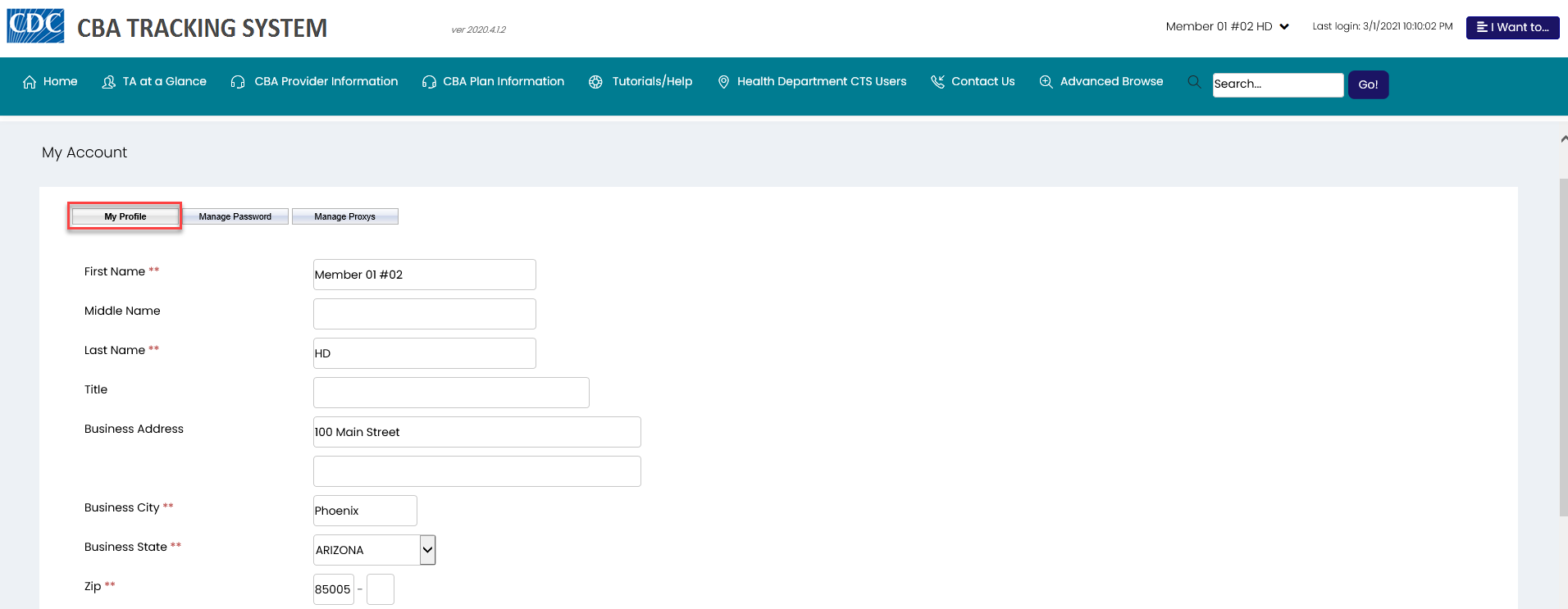

To access My Profile from the My Account page.
The My Profile tab displays by default when the account information is access.
1. Edit/update profile information as needed. Note: Required information (noted by double asterisks **) must be provided.
2. Click the Save My Profile button.
A System Response message displays.
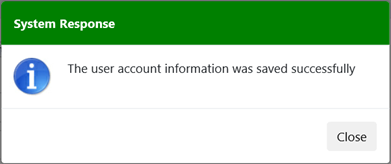
3. Click the Close button.